
Chat with experts about how our tools and team can help your community.
Understand Your Discord Community
With Segmentation
As your server grows, valuable insights get lost. Stop guessing and start knowing who your players are. Levellr’s Segmentation tools turn community chaos into clear, actionable understanding.
Trusted by teams at:

Unlock Deeper Community Understanding
Go beyond surface-level metrics. Segmentation provides the lens to see specific behaviors, risks, and opportunities within your player base.
Identify Champions
Create segments for your most active, long-term members. Monitor their feedback, analyze discussions, and understand what keeps your core community engaged.
Optimize Onboarding
Isolate members who joined recently. Track their initial engagement patterns to see where they get stuck or confused, helping you refine your welcome experience.
Spot Churn Risks Early
Identify previously active players whose engagement is dropping. Analyze their recent activity and sentiment to understand *why* they might be leaving, informing your retention strategy.
Pinpoint Specific Feedback
Need feedback on localization or a high-level feature? Create segments based on country, role, level, or activity in specific channels to analyze relevant conversations.
What is Member Segmentation?
Stop treating your community like a monolith. Segmentation is the practice of dividing your large player base into smaller, distinct groups based on shared characteristics like roles, join date, activity levels, and more.
It’s the first step to truly *knowing* who makes up your player base, allowing you to move from guesswork to data-backed understanding.
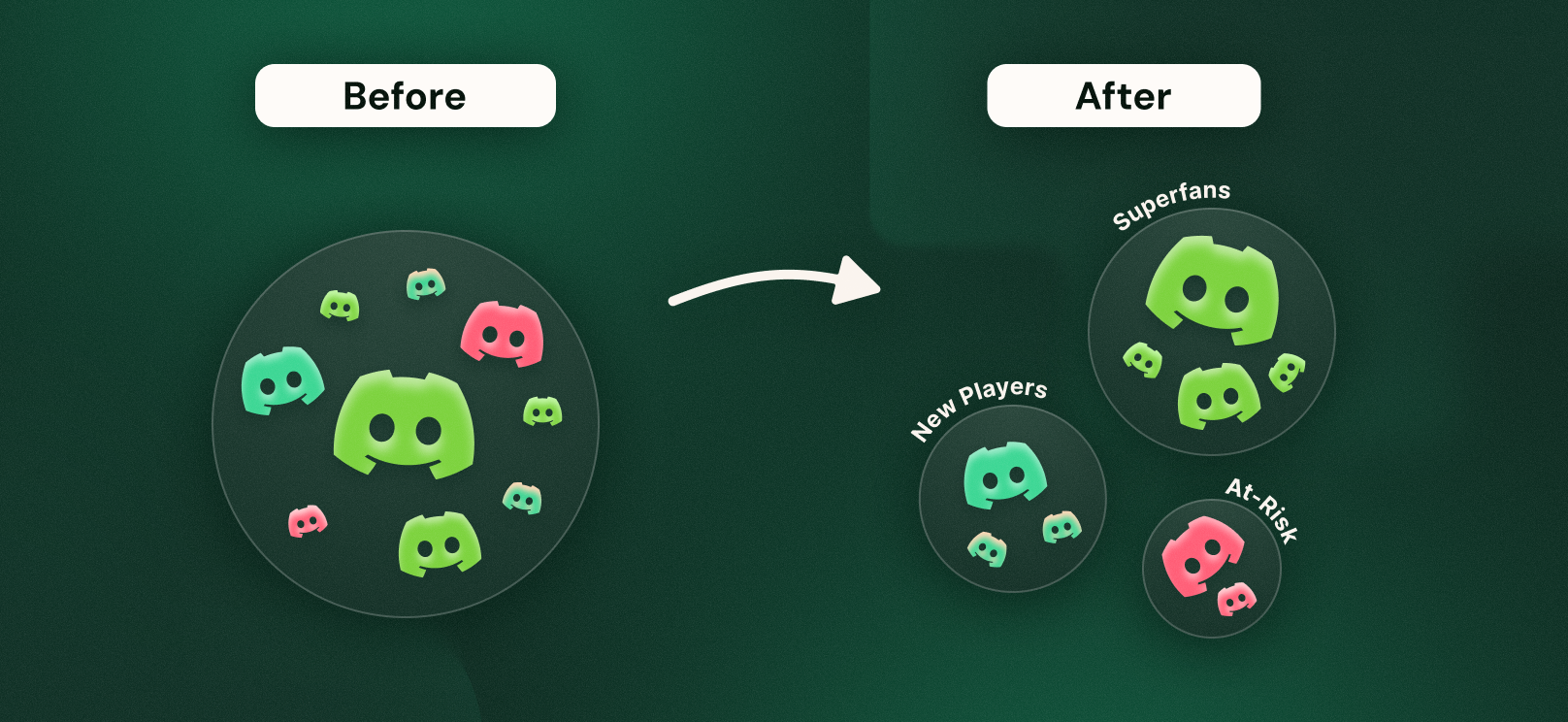

Build Segments in Seconds
Our intuitive builder makes it easy to create powerful segments. Combine filters for profile data, engagement activity, community history, and more.
See exactly who fits your criteria in real-time and start uncovering insights immediately – no complex queries required.
Frequently Asked Questions
Segmentation lets you group and analyse members based on their Discord behaviour and attributes such as engagement level, join date, gaming data or streaming data. Uncovering trends and insights across slices of your community.
Segmentation is insight-only for now. You can filter your Levellr dashboards by each segment to analyse member behaviour, but you can't yet take direct action (like sending messages or changing roles) from those segments.
This is intentional to ensure we remain fully compliant with Discord's policies around member targeting and privacy.
Segmentation goes beyond one-off filters - it lets you save, name, and re-use dynamic groups across dashboards. For example:
- "Super engaged users (10+ messages last week)"
- "Fans who joined pre-launch"
- "Top players who posted in #product-feedback"
Once created, these segments can be applied to different dashboards (Audience, Engagement, Social Listening) to see patterns over time.
You can currently apply segments to:
- Engagement Pane: See message and reaction levels, who's driving the conversation and where that activity is happening.
- Audience Pane: View how many members are in the segment and growth trends over time.
- Social Listening Pane: View sentiment of the members in your segments and what topics are driving their conversation.
- Members Pane: View the individuals in your segment.
- Streaming Pane: View your segments' listening behaviour, what are their top artists and tracks.
- Gaming Pane: View your segments' gaming behaviour, what are their most played games.
Segmentation is currently based on:
- Member activity: messages, reactions and total engagement
- Profile information: server, joined date, Discord activity and role
- Integration data: artist streams, track streams and gaming data
If you'd like to group members by other metrics, let us know what those are and why that's important to you and your team.
- Head to the Member segmentation builder in Levellr.
- Choose your filters (e.g., engagement level, join date, streaming behaviour).
- Name your segment and save it for reuse across dashboards.
No - segmentations only exist on the Levellr dashboard. Your community members will not see how they are grouped or labelled.
We're in active discussions with Discord to ensure our approach meets their community and privacy standards. We'll share updates as soon as this capability is approved and ready for release.
You can easily switch between segments on any dashboard to see how different groups behave one by one. For example, you can view the sentiment for 'Joiners This Month' and then switch to 'Joiners Last Month' to quickly spot differences.
Side-by-side comparison isn't a feature available today.
Sentiment isn't currently available as a filter in Segmentation because this data can be difficult to represent accurately. If a member only sends a small number of messages, their sentiment score can easily appear overly positive or negative. This makes it unreliable when averaged across a group.
To ensure sentiment-based insights are meaningful, we need to develop a model that reflects both the consistency and volume of activity behind each member's sentiment. Once this is achieved, we'll be able to introduce sentiment as a reliable layer within Segmentation.
In the meantime, sentiment remains available through Social Listening, where it's designed to surface trends and tone across channels and conversations rather than individual users.
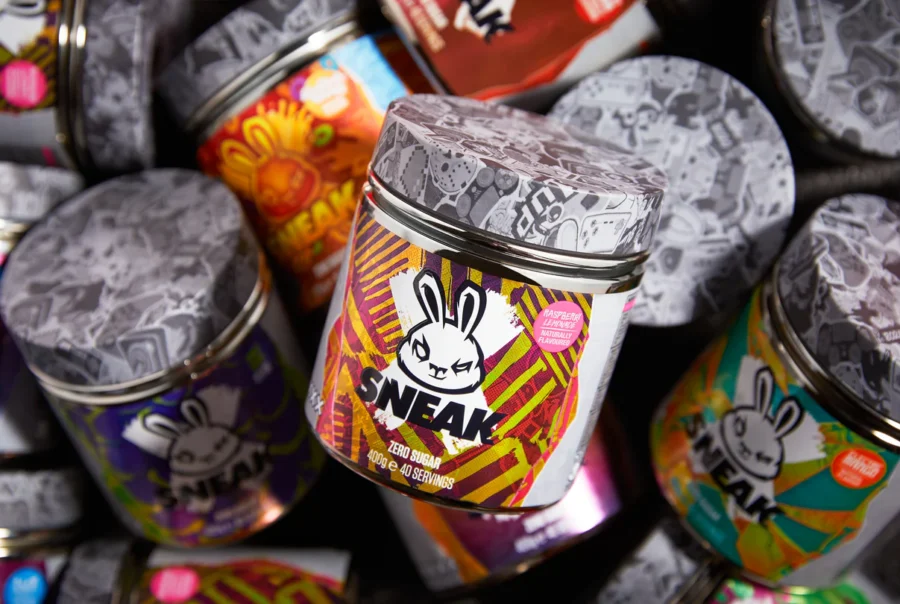
How Sneak Energy Transformed Community Data into Business Strategy with Levellr
How Sneak Energy Transformed Community Data into Business Strategy with Levellr
Google Pixel Redefines Brand Loyalty with Discord Superfans
Google Pixel Redefines Brand Loyalty with Discord Superfans

How Look North World uses Levellr to revolutionise game development
How Look North World uses Levellr to revolutionise game development

How Scopely uses Levellr to manage Monopoly Go! community
How Scopely uses Levellr to manage Monopoly Go! community
How Discord helped Fall Out Boy sell $2m in tickets in under 24h
How Discord helped Fall Out Boy sell $2m in tickets in under 24h
How Fred again.. used Discord to grow into a global artist